|
Overview Tools Inspector Main Plot Window Menus Report Window Help Index |
Main Window
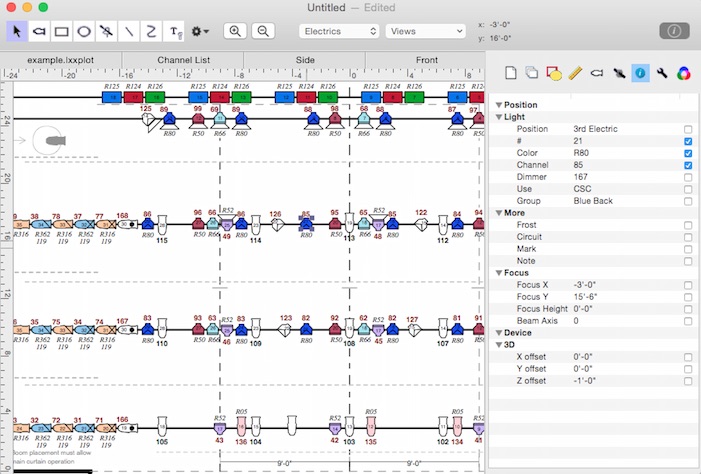
The Toolbar appears at the top of the main window. The Toolbar contains standard drawing tools for creating the plot. The Inspector panel appears on the right side of the main window. The Inspector gives access to and control of things such as: the settings that define the tools' behavior; document properties (ie the drawing's size); and the information that is attached to the graphics. The main window can have tabs that contain reports or section views. Switching between these views is accomplished by clicking the tabs which appear just below the toolbar.
(click on the parts of the image above for more information about them) |