|
Lights View The Lights view is a table of all the lights in the plot sorted either by fixture or channel. Most of the data displayed in the table, with the exception of the type and position/number columns, can be directly edited. Selecting a row in the table and tapping the info button will display the info popover will all of the associated data for the selected light. Tapping the settings button allows you to adjust the columns 
By tapping a column name, you can determine how wide it is and if it appears in the lights table. 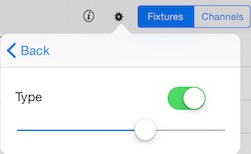
Table sorted by fixture. 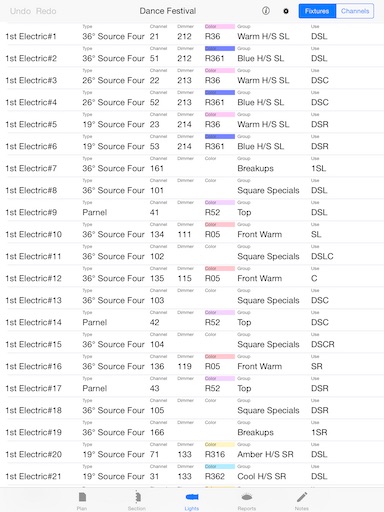
Table sorted by channel. 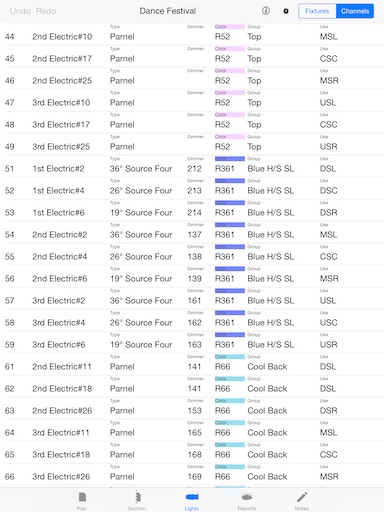
|