|
Model LXBeams v2.0 includes a Model view that shows a rendering of the current beams of light falling on a scene. The scene can include a model figure, 3D Lines and 3D Shapes from the plot, a stage floor, and a background surface. 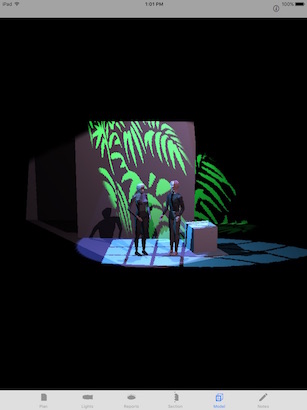
Tapping the info icon in the upper right corner of the screen, allows access to settings that determine the content and display of the model view. The individual elements of the scene can be shown or hidden. The figure model can be selected by tapping the row showing the name of the file. 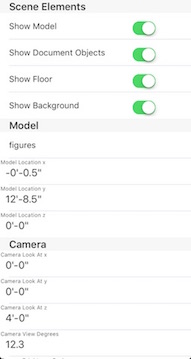 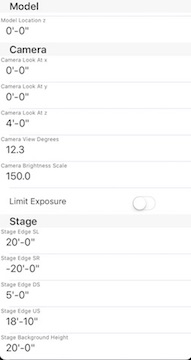
|