Index -> Menu Reference -> Options Menu Reference -> Editing Favorites
The favorites list can contain a combination of events and log entries. Favorites also appear in a tab in the day dialog and can be arranged and edited from there which is the same as using the Favorites command.
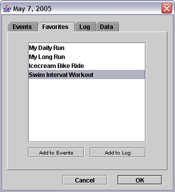
This list gives you a place to store items you use frequently. For example, you might often enter a log for "My 5 Mile Run." By putting a copy of this log entry into the favorites list, all you have to do is open the day dialog, go to the Favorites tab and click the Add To Log button.
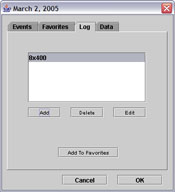
Although you can use the Add button in the favorites dialog to add events to the list, it is easier to select an event or log entry from the list in the day dialog and click the Add to Favorites button.