Index -> Menu Reference -> Options Menu Reference -> Selecting A Color
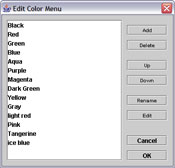
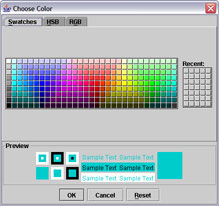
The color list provides a way of refering to colors by name. When you add a new color or edit a color from the list, you can select the screen color using the color picker dialog. To rename the color, select it and click the Rename button or push Alt-Enter on the keyboard.